
Mobile Ticketing and Digital Delivery: What Attendees Expect and How to Set It Up

Most of your buyers will open your checkout on a phone, pay on a phone and arrive at the door holding a phone. If any step in that chain is clumsy, you find out at the gate.
Mobile ticketing is not just putting a PDF in an email. It is the whole path from first tap to entry, and each link in that path can be improved.
Quick answer: Mobile ticketing means selling tickets through a phone-friendly checkout and delivering them digitally, usually by email or link, so attendees show a QR code on their phone at entry. Good setups make buying quick, delivery reliable, tickets easy to find and entry fast without paper.
What does mobile ticketing include?
It covers four steps: a checkout that works on small screens, instant confirmation, a ticket the buyer can open on a phone and a scan at entry. TicketingSoftwares.com provides mobile-friendly ticket purchasing, digital ticket delivery and QR code scanning for check-ins.
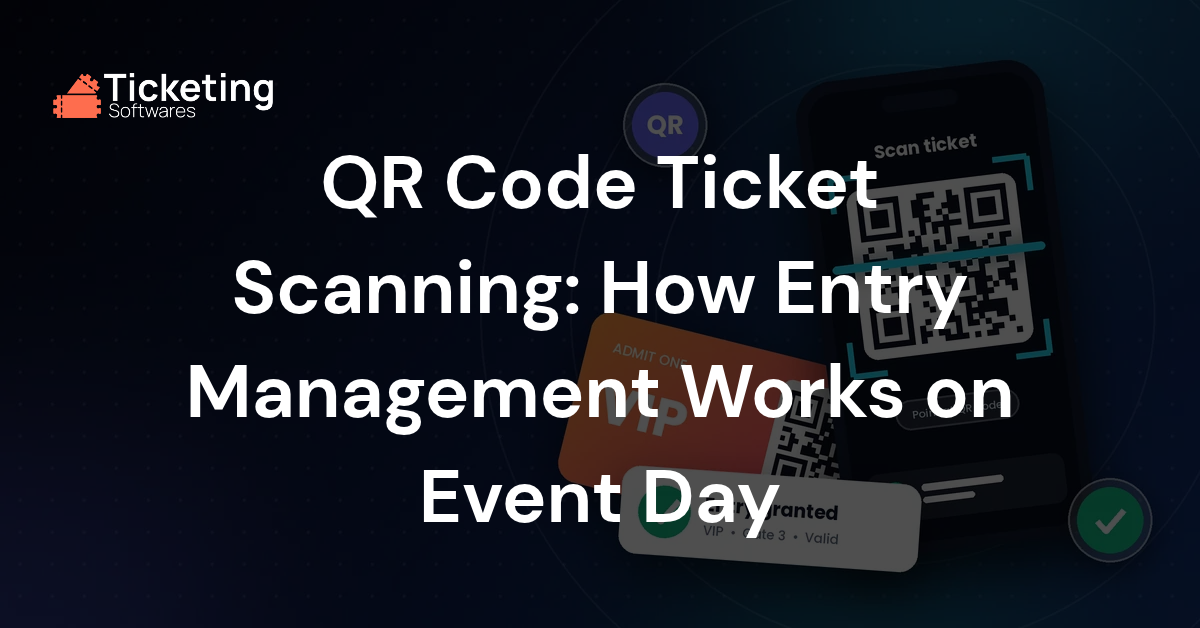
The ticket itself is usually a unique QR code attached to the order. Buyers do not need to print anything unless you choose to allow it. The full feature list is on the features page. Related reading: QR code ticket scanning.
How should digital tickets be delivered?
Send tickets immediately after payment clears, to the email the buyer entered, with the event name, date, venue and entry details visible without scrolling. Include a clear way to reopen the ticket later, because people lose emails right before events.
Customize confirmation emails with your own branding. TicketingSoftwares.com supports email template customization, so the message reads as from you rather than a vendor. More on this: white label ticketing platform features.
What do mobile buyers expect at checkout?
They expect few fields, clear price including any fees, familiar payment options and a confirmation within seconds. Every extra field loses buyers. Test your own checkout on an ordinary phone on mobile data, not on office Wi-Fi.
- Show total price early.
- Ask only for what you need.
- Confirm by email at once.
- Make the ticket easy to find again.
How do you handle buyers who need help?
Plan for people without smartphones, buyers with dead batteries and groups where one person bought for everyone. Decide in advance how a ticket can be reissued, who can do it and how staff verify identity. Write the rule down for gate teams.
Accessibility matters too: readable text sizes, strong contrast and a ticket screen that stays bright and legible at the door.
What should you set up before you sell?
- Customize the confirmation email and ticket design with your brand.
- Test checkout on iPhone and Android, on mobile data.
- Buy a ticket yourself and scan it at a test gate.
- Prepare a reissue process and a support contact.
- Publish clear entry instructions on the event page.
See also: white label ticketing software checklist.
Frequently asked questions
What is mobile ticketing?
Mobile ticketing is selling tickets through a phone-friendly checkout and delivering them digitally, so attendees show a QR code on their phone at entry. It replaces printed tickets with a scannable code tied to the order.
How are digital tickets delivered?
Usually by email or a link sent right after payment clears. The ticket contains a unique QR code. Include event details and a way to reopen the ticket later, because buyers often lose the email before the event.
Do attendees need to print tickets?
Not with mobile ticketing. The QR code on a phone is scanned at entry. Some organizers still allow printed copies for people without smartphones, which works because the code is the same either way.
How do I make ticket buying work well on phones?
Use a checkout designed for small screens, ask for few fields, show the full price early and confirm by email immediately. Test it yourself on a normal phone over mobile data before sales open.
See it running
Book a 1:1 walkthrough and bring your real event setup: ticket types, venue size, payment gateway and how many organizers you run. You will see the admin panel and the plan that fits. Book a demo


Ready to Transform Your Ticketing?
Ready to Transform Your Ticketing? Start with our free plan today.
Schedule a DemoThank you! Your submission has been received!
Oops! Something went wrong while submitting the form.