
QR Code Ticket Scanning: How Entry Management Works on Event Day
Doors open at seven. At 7:05 there are 400 people in the queue and one scanner is not syncing. Nobody remembers the ticketing demo; everyone remembers the queue.
QR code ticket scanning is one of the simplest parts of ticketing and one of the least forgiving. This guide walks through what happens when a code is scanned, and what to plan before doors open.
Quick answer: QR code ticket scanning works by reading a unique code printed or displayed on each ticket, checking it against the ticketing system, and marking it as used so it cannot enter twice. Good entry management adds fast validation, duplicate detection, clear staff roles and a plan for poor connectivity.
What happens when a QR ticket is scanned?
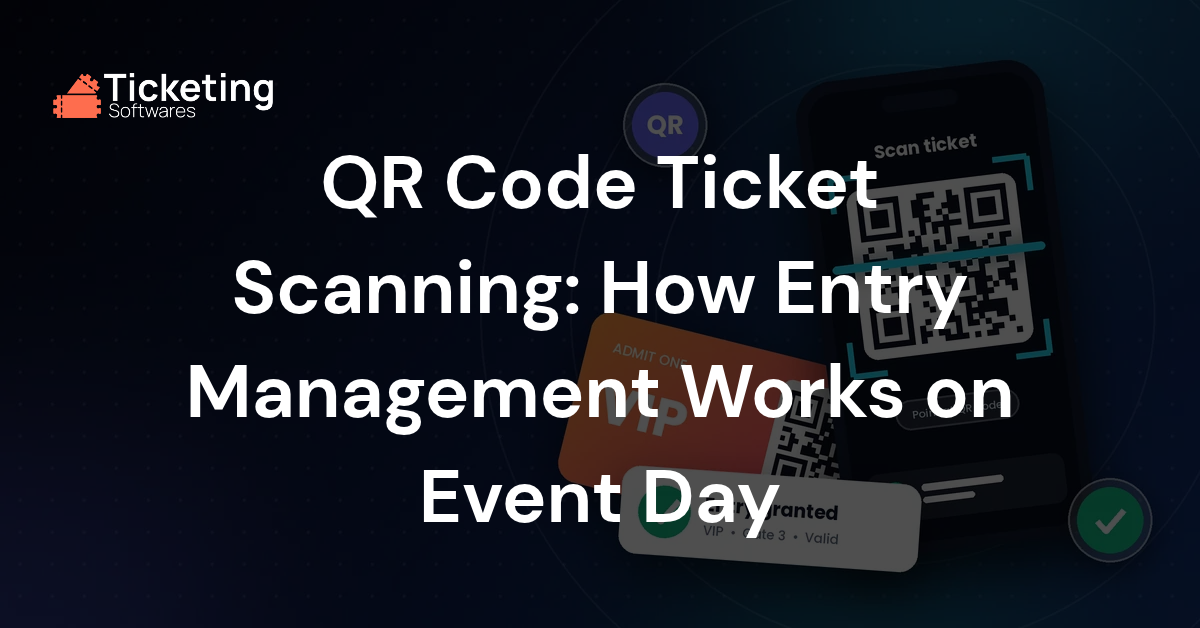
Each ticket carries a unique code. The scanning app reads it, asks the ticketing system whether that code is valid for this event and not yet used, and shows staff a clear accept or reject result. On accept, the system records the scan time so the same code fails on the second attempt.
TicketingSoftwares.com includes mobile ticket scanning on all four plans, including the free Launch plan, so staff can use phones rather than dedicated hardware. The full feature list is on the features page. Current limits by plan are listed on the pricing plans page.
How do you prevent duplicate and fake tickets?
Duplicates are stopped by the used-once rule: the first scan marks the ticket, and any later scan is rejected with a visible message. Fakes are stopped because only codes issued by the system validate. A screenshot shared with ten friends still validates only once.
Train staff on what a reject screen means and who handles disputes. A rejected scan at the gate is a conversation, not a verdict, because a buyer may have been scanned by an earlier staff member.
How should you set up gates and staff?
Plan lanes by ticket type and expected volume, not by habit. Give each gate a lead who can override decisions and a runner who can fetch help. Mark VIP, accessible and general entries clearly so people do not queue in the wrong line. Related reading: stadium ticketing software.
DecisionWhy it mattersNumber of lanesQueue length at peak arrivalStaff per laneSpeed and who handles rejectsDevice check before doorsBattery, app version, connectivityRejected-ticket deskKeeps lanes moving
What if connectivity is poor?
Test mobile data and venue Wi-Fi at the actual gates, at the actual hour, with the crowd present. Basements, stadium concourses and festival fields behave differently from your office. Ask your platform how scanning behaves with weak signal and what the fallback is, instead of assuming.
Keep a printed or exported guest list as a last resort for entry, with a rule for who may use it.
What should an event-day routine include?
- Charge and update every scanning device the day before.
- Run a test scan with a real ticket at each gate.
- Brief staff on accept, reject and escalation.
- Open doors with one runner watching queue length.
- Export scan counts after doors close to reconcile attendance.
See also: mobile ticketing and digital delivery.
Frequently asked questions
How does QR code ticket scanning work?
Every ticket has a unique QR code. When scanned, the app checks it against the ticketing system, confirms it is valid and unused, and marks it used. A second scan of the same code is rejected, which stops duplicates.
How do you stop people using the same ticket twice?
The system records the first successful scan and rejects any later scan of that code. Staff see a clear reject message. Sharing a screenshot does not help because the code validates only once.
Can staff scan tickets with their own phones?
Often yes. TicketingSoftwares.com includes mobile ticket scanning on every plan, so staff can use phones. Check battery, app access and signal at each gate before doors open, and keep spare devices for peak arrival.
What happens if the internet goes down at the entrance?
It depends on the platform, so ask before you buy. Test signal at the real gates, have a fallback such as an exported guest list, and assign one person to decide when to use it so staff do not improvise.
See it running
Book a 1:1 walkthrough and bring your real event setup: ticket types, venue size, payment gateway and how many organizers you run. You will see the admin panel and the plan that fits. Book a demo



Ready to Transform Your Ticketing?
Ready to Transform Your Ticketing? Start with our free plan today.
Schedule a DemoThank you! Your submission has been received!
Oops! Something went wrong while submitting the form.